Azure integration services
When business systems don't talk to each other, people fill the gap by hand: exporting CSV files, copying records between screens and fixing mismatches at month end. Integration work removes those steps and the errors that come with them.
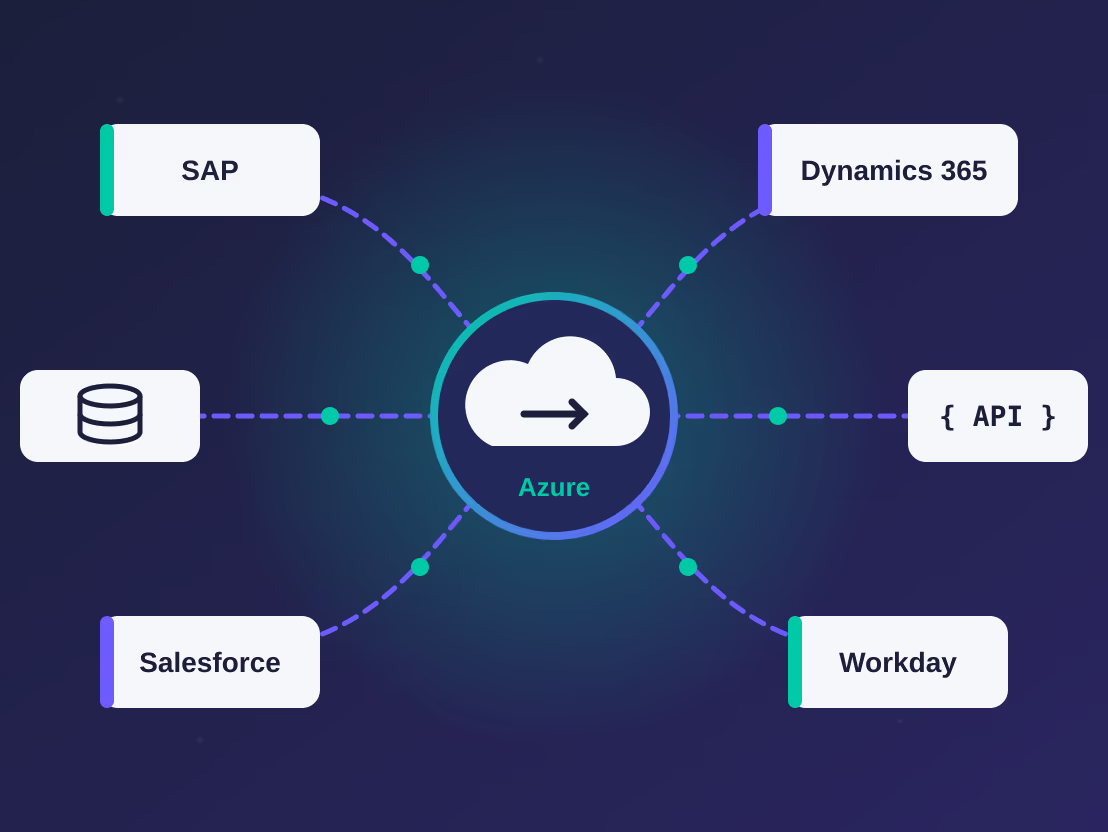
We build integrations on Microsoft Azure for small and medium businesses in India and Australia. That includes connecting applications such as SAP, Dynamics 365, Salesforce and Workday, building data pipelines for reporting, and moving on-premises workloads to Azure.
Azure services we work with
Logic Apps
Workflow-based integrations between SaaS applications, email, file shares and APIs, using built-in connectors for most common business systems.
Azure Data Factory
Scheduled and event-driven pipelines that copy and transform data between databases, files and applications.
Azure Functions
Small pieces of custom code for logic that doesn't fit a connector, such as data mapping, validation or calling an unusual API.
API Management
A single, secured entry point for your APIs, with keys, rate limits, versioning and usage monitoring.
Service Bus
Reliable messaging between systems, so nothing is lost when one side is slow or offline.
Azure Synapse Analytics
Bringing data from several systems into one place for reporting and analysis.
Systems we connect
SAP
Orders, invoices, materials and master data exchanged between SAP and your other applications.
Dynamics 365
Customer, sales and finance data shared between Dynamics 365 and the rest of your systems.
Salesforce
Leads, accounts and opportunities kept in step with ERP and billing.
Workday
Employee and organisation data sent to payroll, identity and other HR tools.
Databases, files and custom APIs
SQL Server, SFTP file drops, spreadsheets and in-house systems that don't have a ready-made connector.
Migration to Azure
Many integration projects start with moving something that already exists. We also take on migrations on their own.
On-premises to Azure
Moving servers, databases and scheduled jobs to Azure services, with a cut-over plan that keeps downtime short.
Legacy integrations
Replacing old SSIS packages, BizTalk flows or scripts running on a server with Logic Apps, Data Factory or Functions.
.NET applications
Moving .NET applications to Azure App Service or containers, including upgrading from .NET Framework where needed.
How a project runs
- 1
Scoping
We list the systems involved, what data needs to move and how often, and what should happen when something fails.
- 2
Design
You get a short design document covering the data flows, Azure services, security set-up and estimated monthly running cost.
- 3
Build and test
We build in a test environment first, using sample or masked data, and walk you through the results.
- 4
Go-live
We deploy to production, set up monitoring and alerts, and hand over documentation.
- 5
Support
Optional ongoing support covers monitoring, fixes and changes as your systems change.
Ways to work with us
One-time delivery
We scope, build and hand over a working integration with documentation. You own and run it from there.
Delivery plus ongoing support
After go-live we monitor the integration, deal with failures and make changes, on a monthly or yearly arrangement.
Support for existing integrations
If someone else built your Azure integrations, we can take over support, fix recurring issues and document what's there.
There's no fixed price list. Pricing depends on the number of systems and flows, and we'll quote after scoping.
Typical projects
Examples of the size and type of project we take on:
Salesforce to accounting
When a deal is marked as won in Salesforce, a Logic App creates the customer and invoice in the finance system and writes the invoice number back to Salesforce.
Workday to downstream systems
A nightly Data Factory pipeline sends new starters and leavers from Workday to payroll and to Microsoft Entra ID for account set-up.
One reporting database
Daily pipelines copy sales, stock and finance data from three systems into a single Azure SQL database that feeds Power BI reports.
Retiring a script server
A set of Windows scheduled scripts is rebuilt as Azure Functions with logging and alerts, and the old server is switched off.
Air charter quotes to invoices
Quote requests from an air charter website go straight into the sales team's CRM instead of an inbox. When a flight is confirmed, the booking details are passed to the operations system and an invoice is raised in the accounting software.
Frequently asked questions
Do we need an existing Azure subscription?
No. We can help you set one up in your company's name so you own it, or we can work inside the subscription you already have.
Who pays for the Azure resources?
You pay Microsoft directly through your own subscription. We estimate the monthly running cost during the design stage, so you know what to expect.
How long does an integration project take?
It depends on how many systems are involved and how clean the data is. A single flow between two systems is often a few weeks of work; larger projects take longer. You'll get a timeline after scoping.
What happens when an integration fails?
Every integration we build has logging and alerts. Failed messages are kept so they can be corrected and re-sent instead of being lost.
Can you work alongside our in-house IT team?
Yes. A common split is that we handle the Azure side while your team looks after the business systems.
Talk to us about your project
Tell us what you're working on and we'll reply with next steps. You can also email info@navetrix.com.